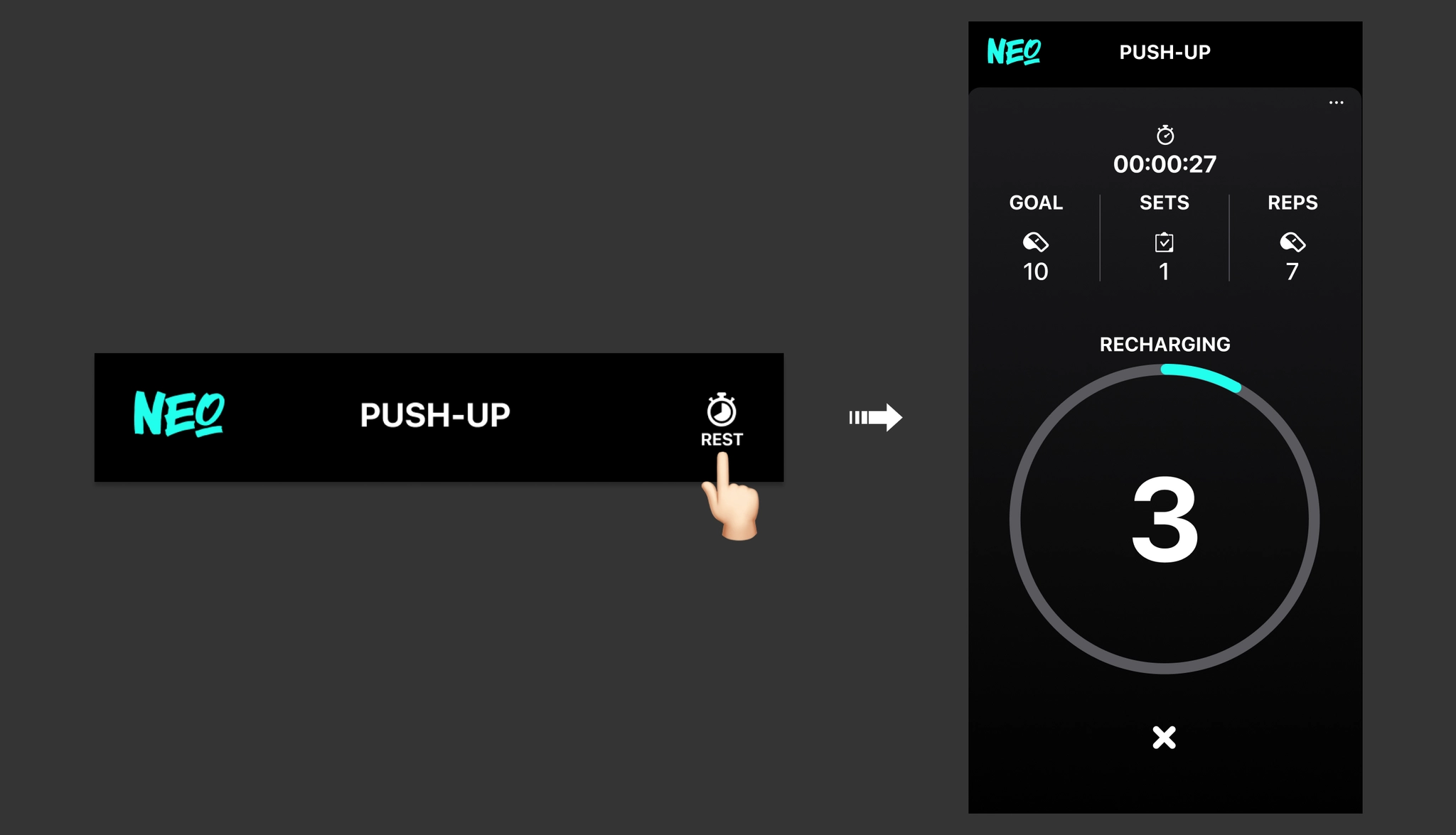
4. Complete Each Set
 Follow the voice guide and continue your workout in a balanced manner, feeling each and every movement.
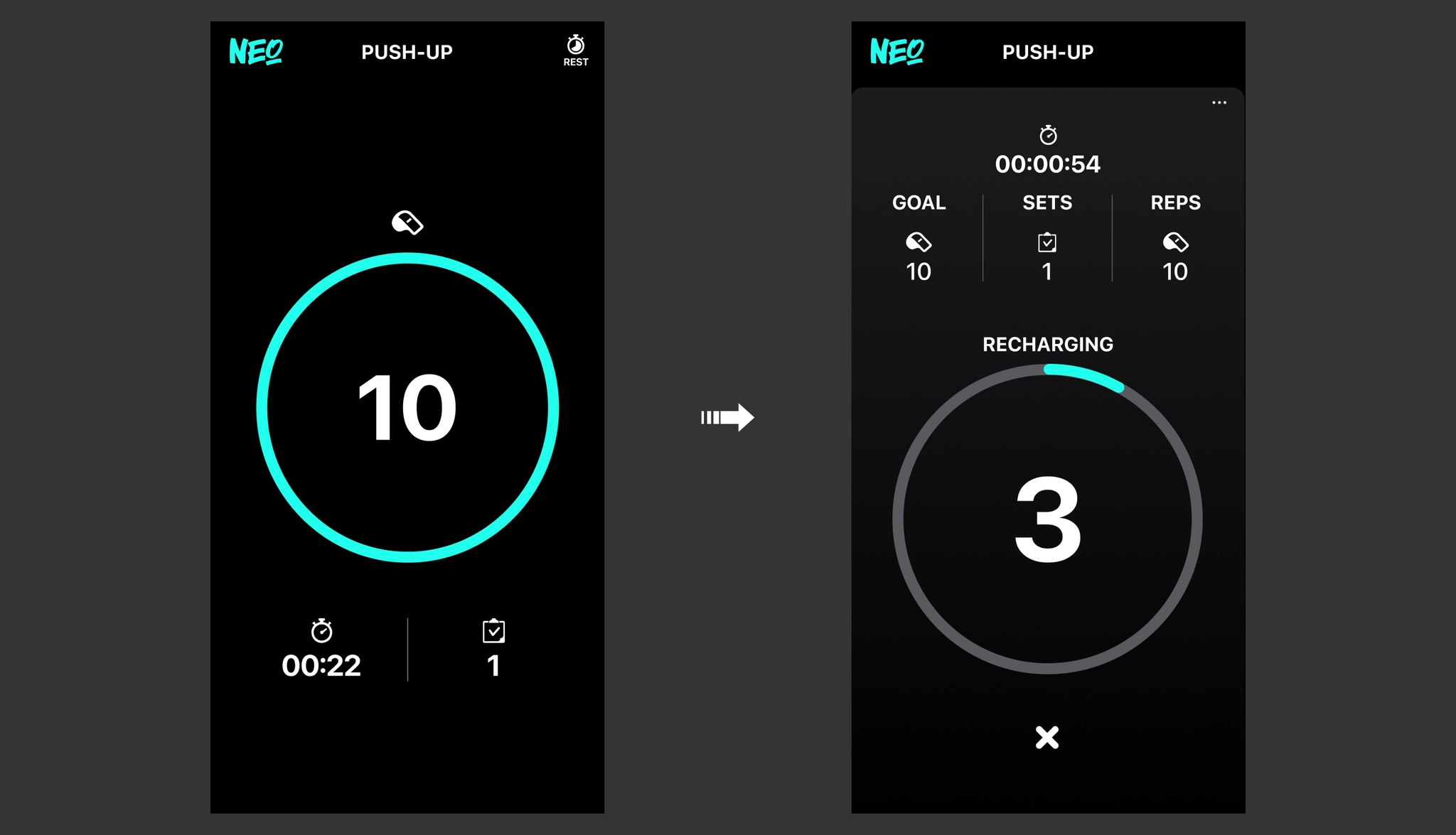
Once you achieve the set goal, the set will automatically end.
Follow the voice guide and continue your workout in a balanced manner, feeling each and every movement.
Once you achieve the set goal, the set will automatically end.
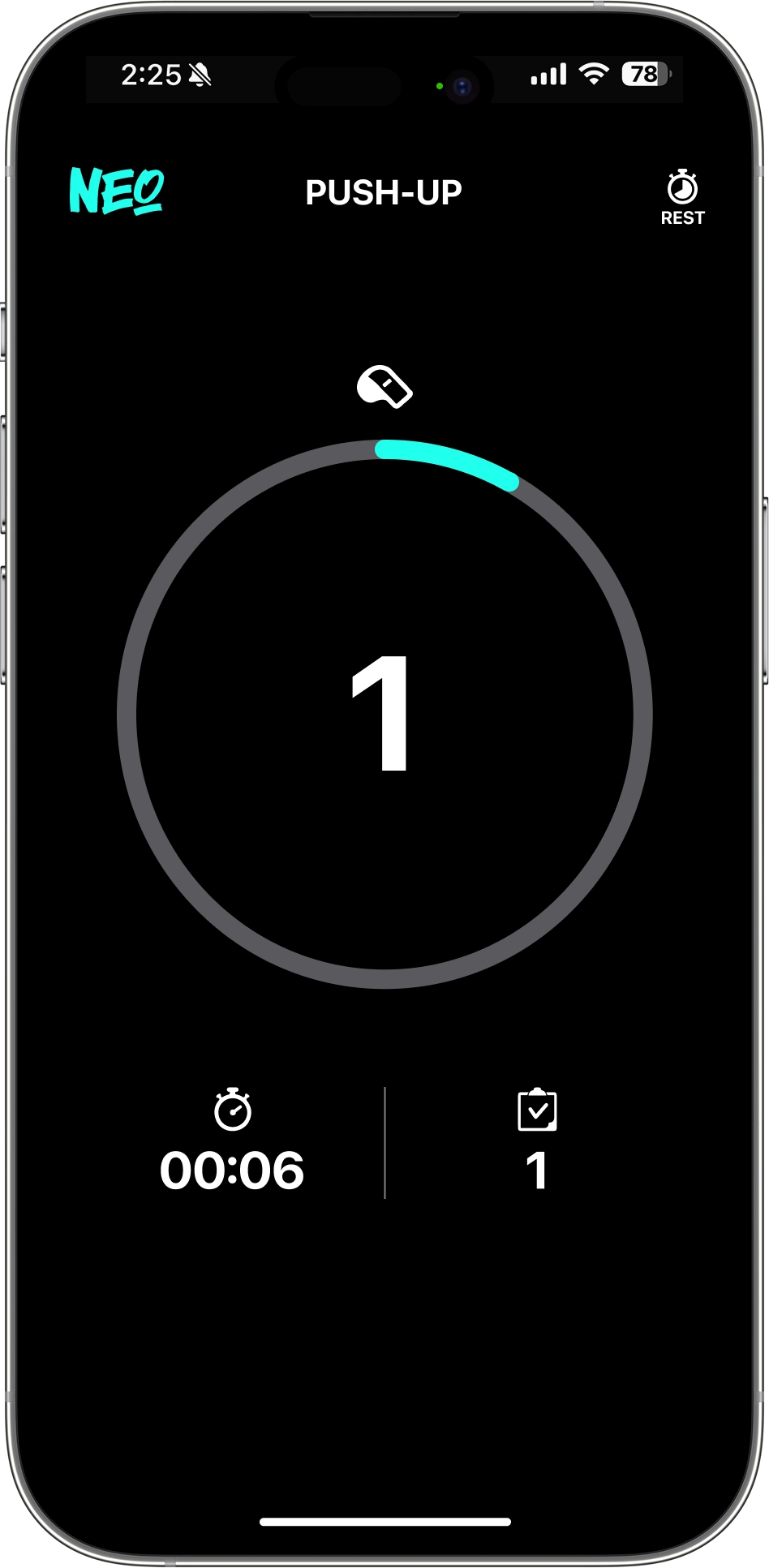
• Performing the Workout
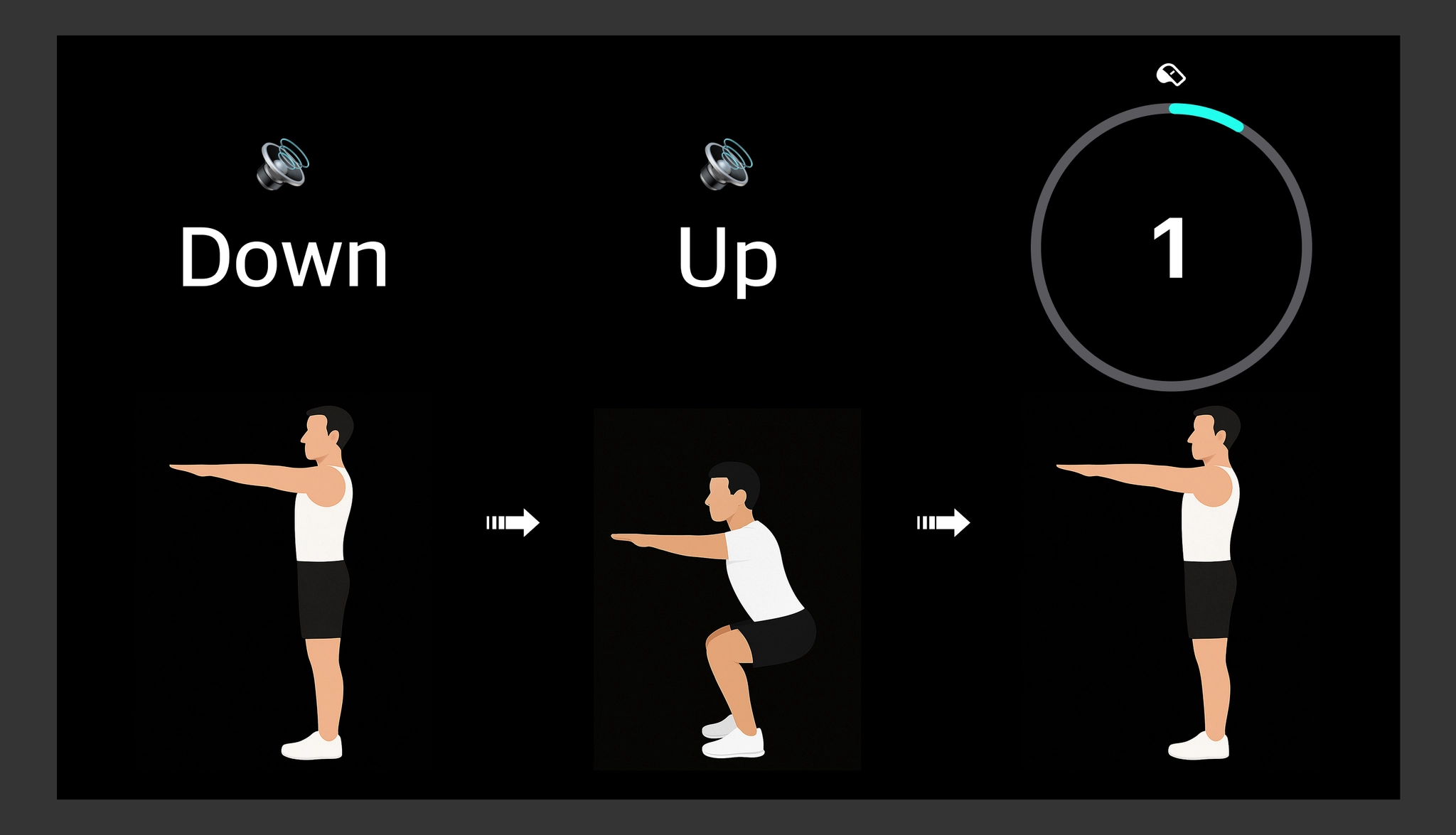
☛ When you repeat the movements according to the voice guide, the workout count is automatically recorded.
 If your face leaves the center of the screen, movement recognition will stop and the screen will switch to the camera view. The set will only resume once your face is recognized back in the center.
If no movement is detected for a certain period, the set will automatically end. You can set the time limit at the Workout Preparation Screen via the ••• button → 'Auto Set End Time'.
If your face leaves the center of the screen, movement recognition will stop and the screen will switch to the camera view. The set will only resume once your face is recognized back in the center.
If no movement is detected for a certain period, the set will automatically end. You can set the time limit at the Workout Preparation Screen via the ••• button → 'Auto Set End Time'.☛ When you achieve the set goal, the set will automatically end, and the screen will switch to the Rest Mode view.
☛ You can end the set and switch to Rest Mode at any time during the workout by tapping the [REST] button.