3. Prepare and Start
 Before starting each workout, please set the target goal for one set and the rest time between sets first.
Once you achieve the set goal, the set will automatically end, and after counting down the designated rest time, you will be guided to start the next set.
Before starting each workout, please set the target goal for one set and the rest time between sets first.
Once you achieve the set goal, the set will automatically end, and after counting down the designated rest time, you will be guided to start the next set.
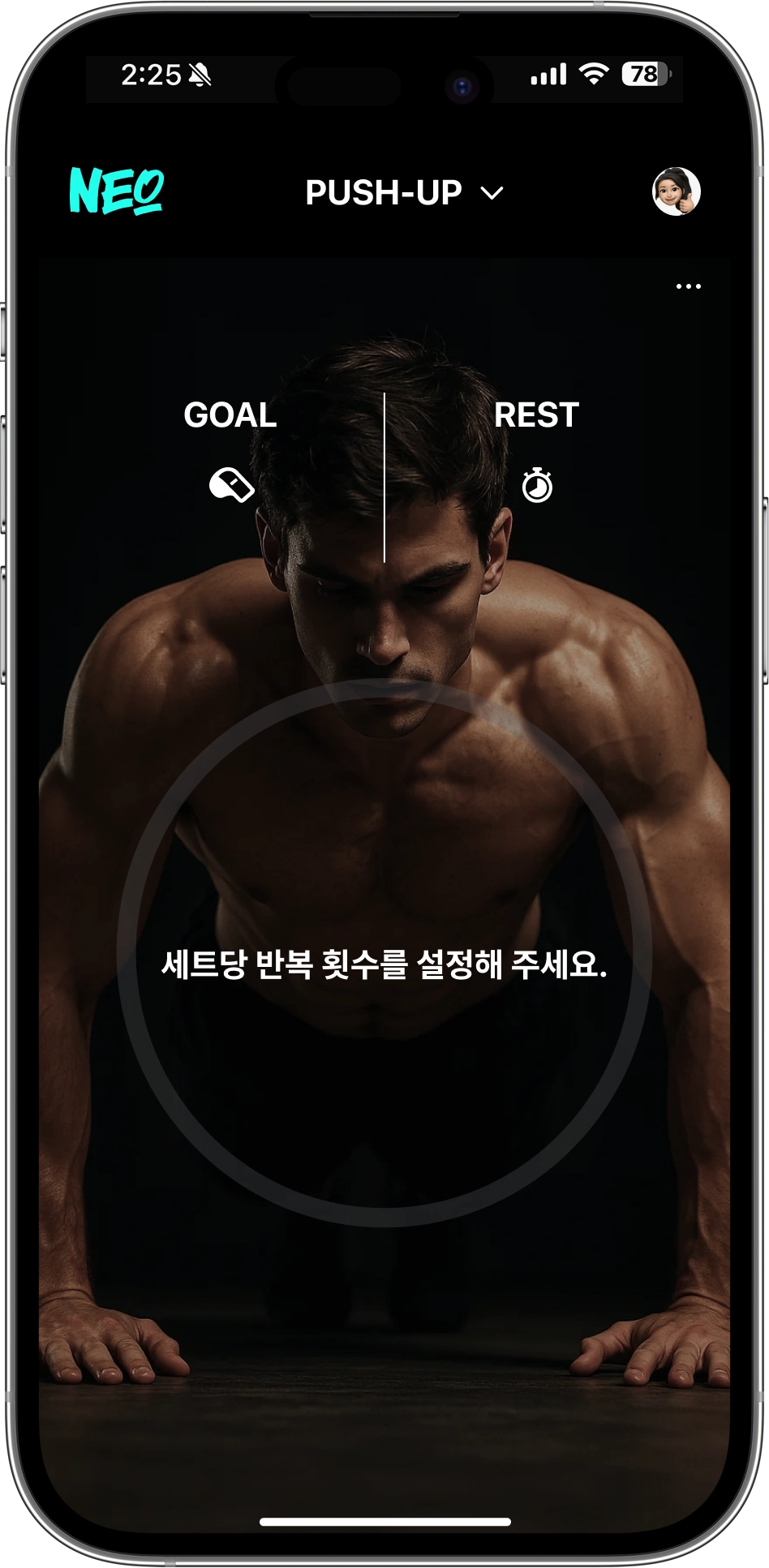
 iPhone Notification
You cannot hear the voice guide when Silent Mode is activated.To use the voice guide, please make sure to disable Silent Mode.
• Setting Goals and Rest Time
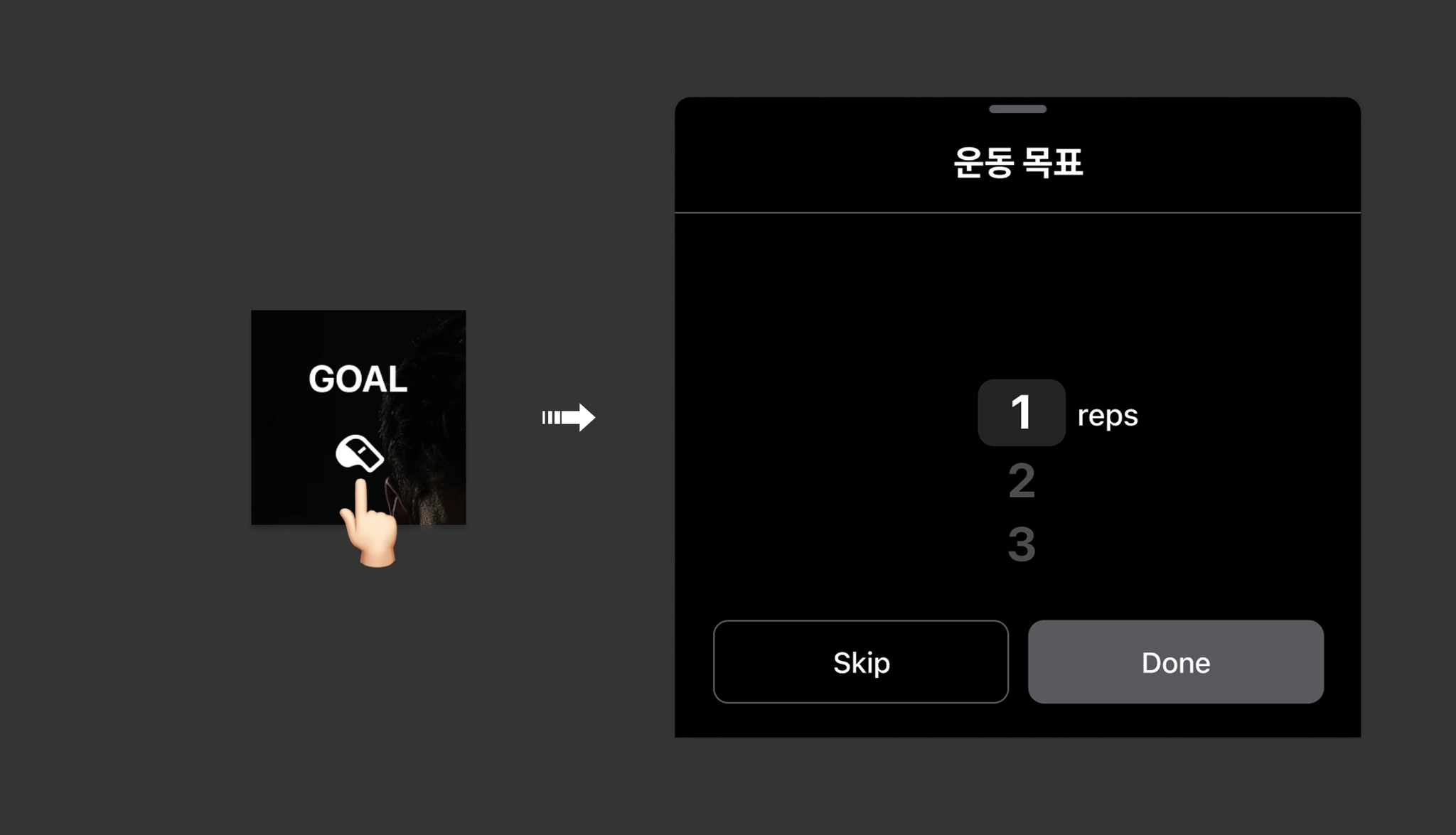
☛ Tap the [GOAL] button to set the number of repetitions per set. (Hold time for planks)
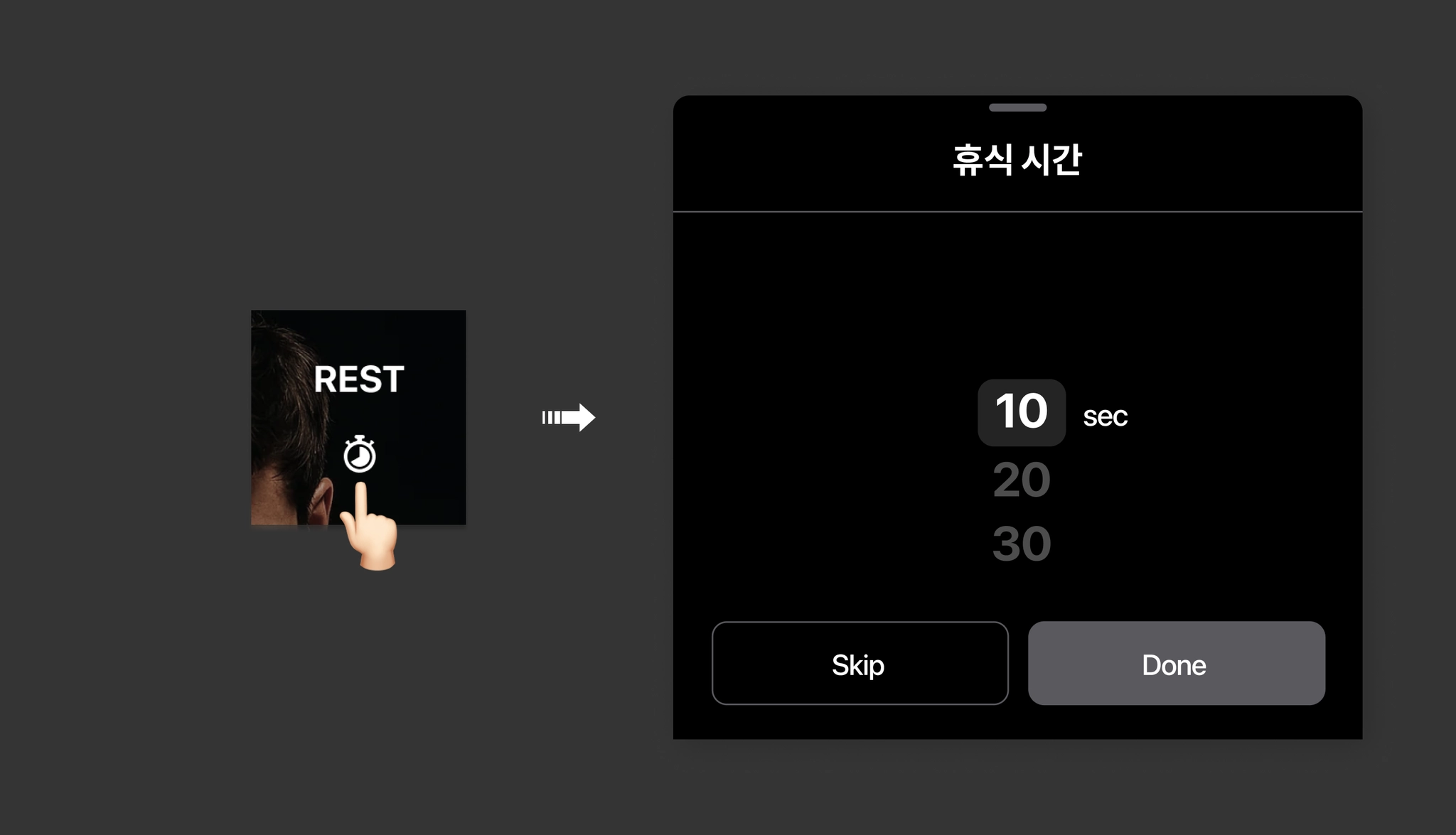
☛ Tap the [REST] button to set the rest time between sets.
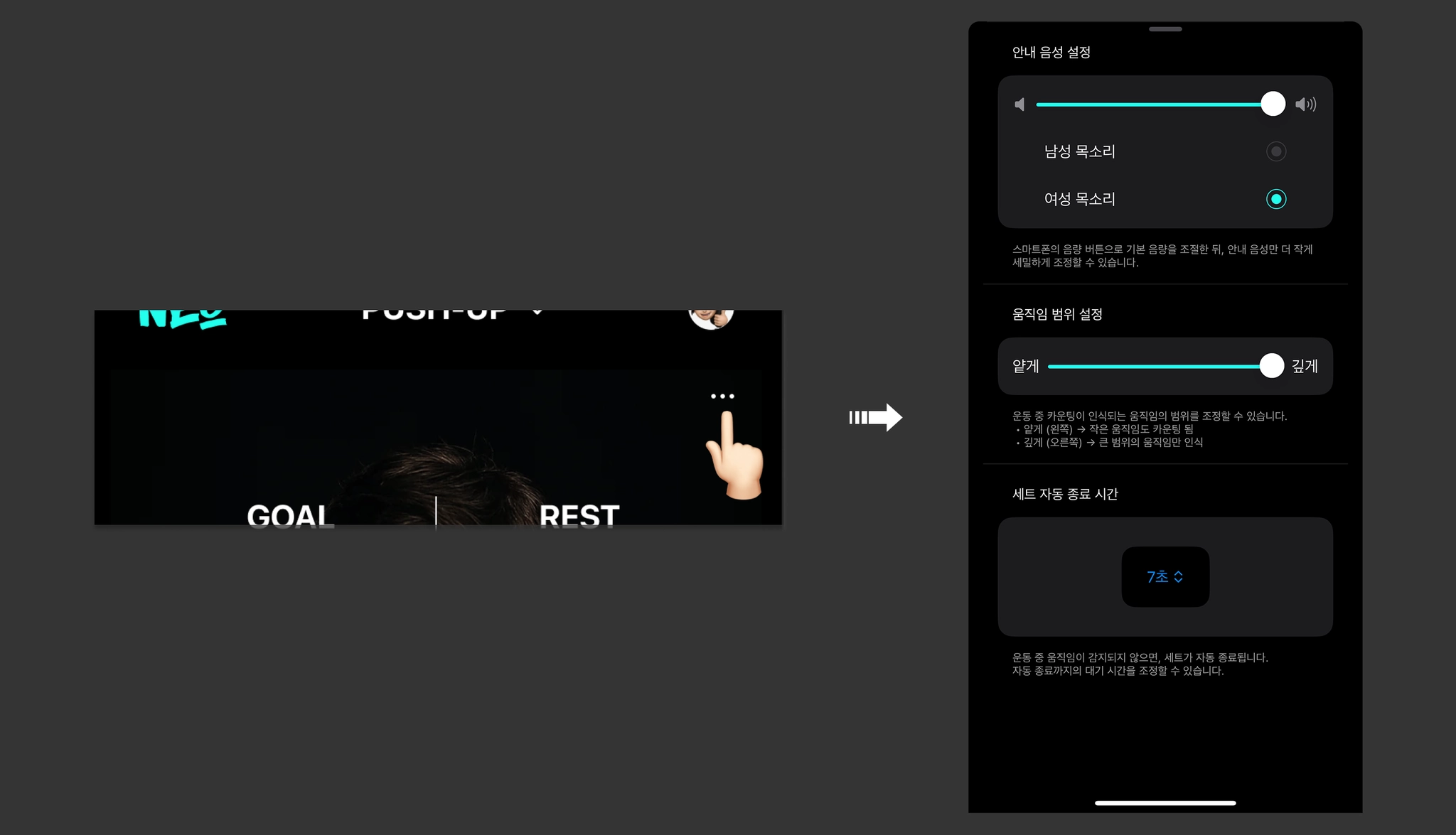
☛ Tap the [•••] button to check or change the workout guide settings.
• Setting Up for Seamless Workout Tracking
☛ Please mount your smartphone directly in the center, facing your body. The front camera will be activated during the workout to recognize your face.
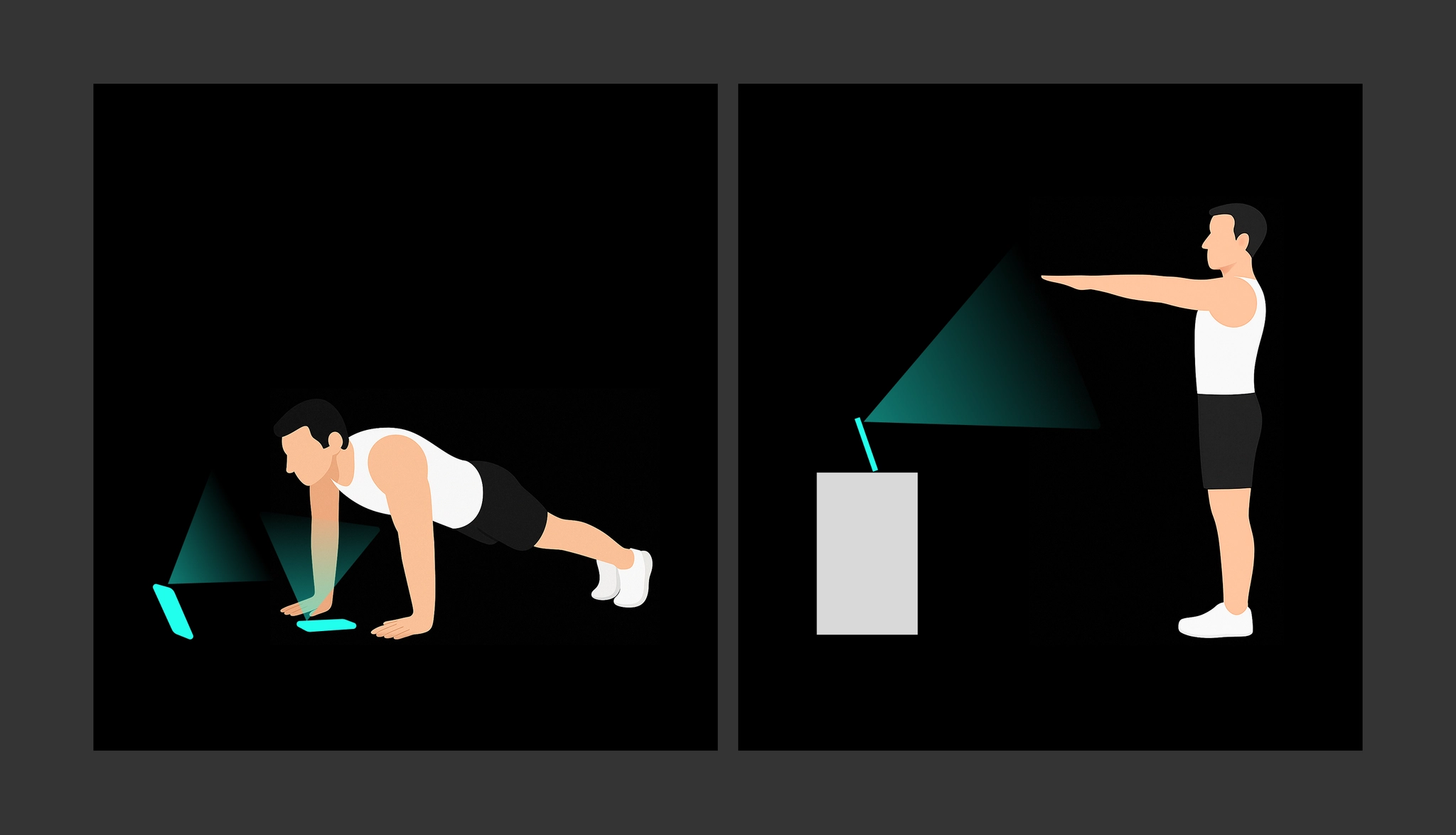 Even if you move your body during the workout, your face must not leave the center of the screen for accurate posture analysis and proper workout count tracking.
☛ Tap the [ ︎] button or say the voice command “Start.”
︎] button or say the voice command “Start.”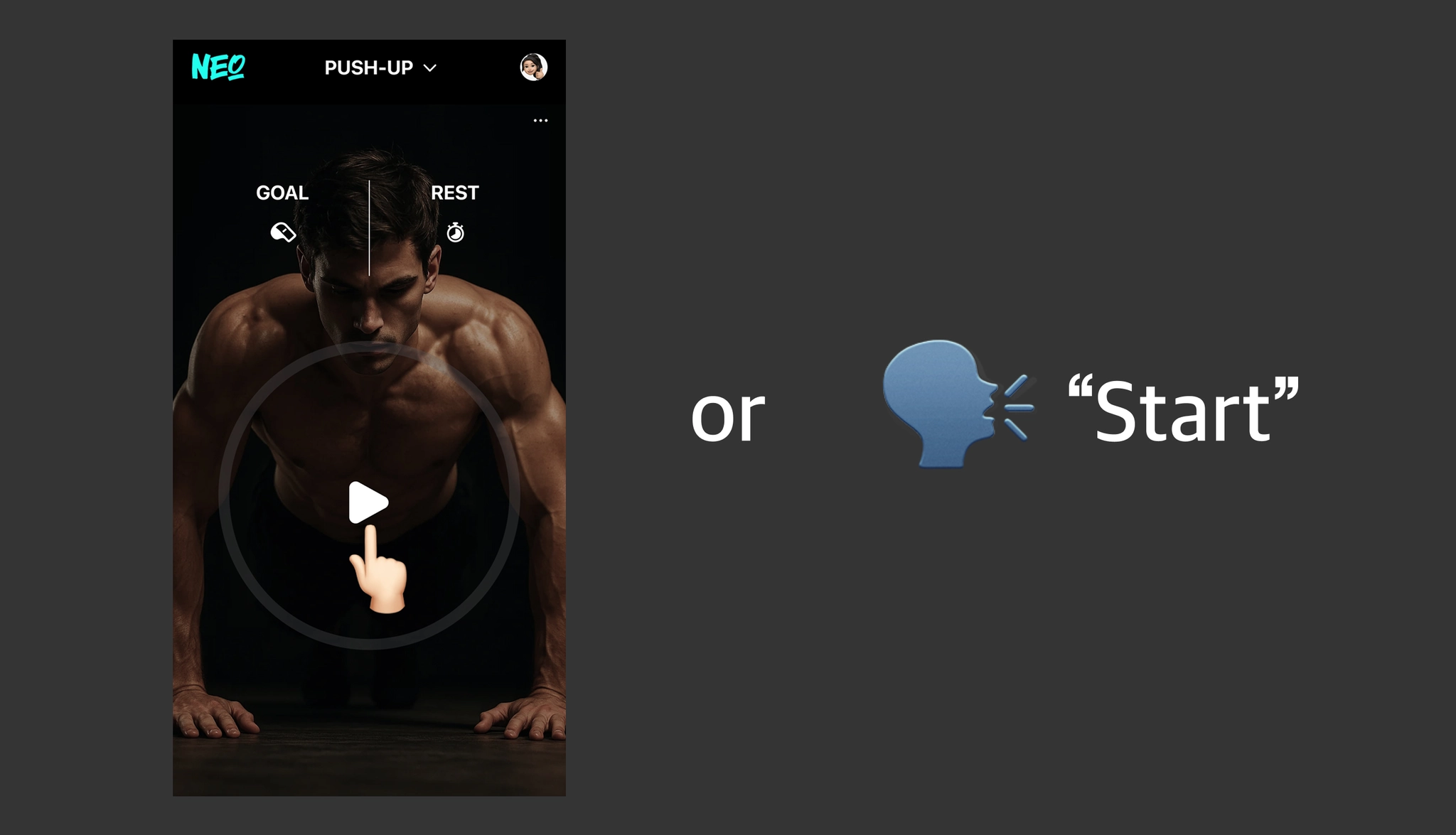
☛ The phone's front camera will activate. Once the center of your face is recognized within the on-screen guide area, counting will begin along with the 'Look, Lock, Move' guide, and the screen will switch to the set progression view.
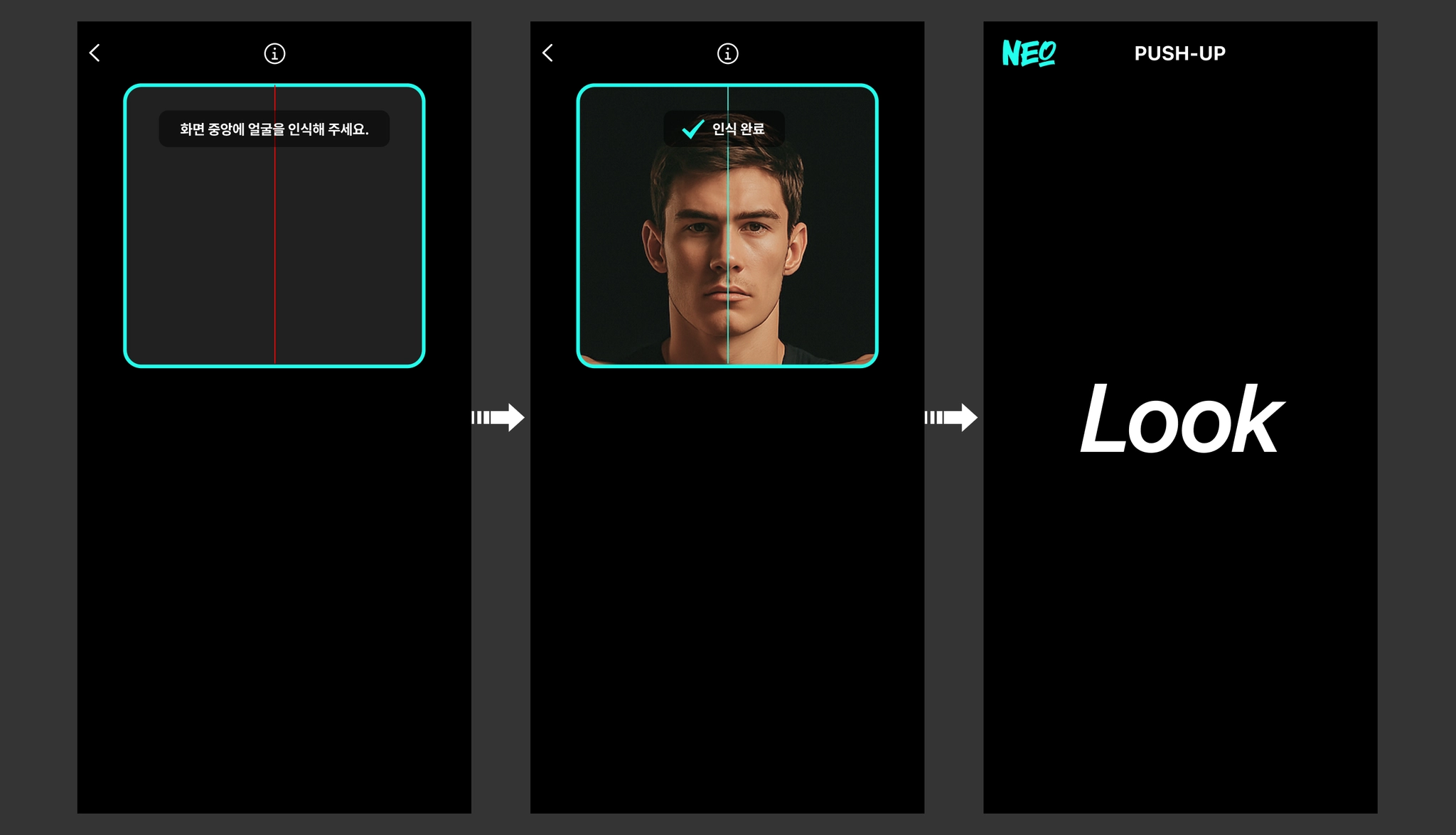 If your face moves away from the center of the screen during counting, the count will stop. Therefore, please maintain your face accurately in the center of the guide area until the screen switches to the set progression view.
 Why is Face Recognition Necessary?
NEO's face recognition feature guides the user's face to remain within the on-screen guideline during the workout.This serves as a mechanism to help you fix your gaze straight ahead, maintain left-right balance, and uphold the correct posture.
 This method is also used in actual rehabilitation exercises, Pilates, and physical therapy, following the same principle as the expert instruction: "Maintain your center while looking in the mirror.”
 The Relationship Between Gaze and Posture
Human posture is significantly influenced by the direction of the gaze.If you turn your head or stare at one side during exercise, your body naturally tends to lean or twist in the direction of your gaze.
This subtle deviation of the gaze can lead to the following asymmetrical postures:• During push-ups, the load applied to both arms becomes unequal.
• During squats, the force distributed to the left and right legs becomes unbalanced.
• During planks, the pelvis tends to shift to one side.
NEO is designed to prevent these postural asymmetries and help you achieve a more balanced workout.